The Prompting & Context OS
Dictate. Capture. Compress. Inject.
Send context-rich prompts to any AI — without leaving your workflow.
Dictate. Capture. Compress. Inject.
Send context-rich prompts to any AI — without leaving your workflow.
Vapor sits between your brain and any LLM — capturing context, compressing prompts, and injecting them where you need them.
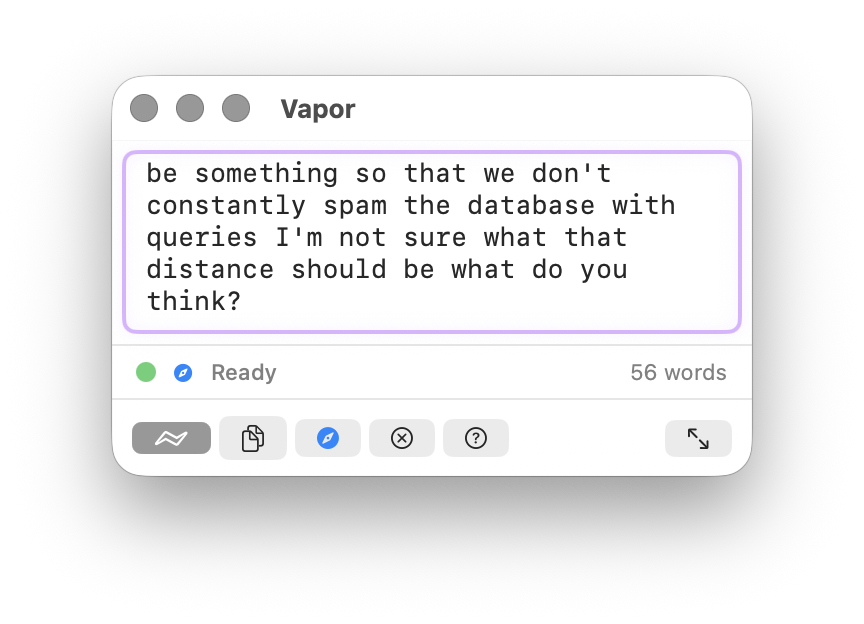
Hold Fn to speak — transcription via Apple Speech Framework. On Apple Silicon with supported languages, processing runs on-device via the Neural Engine. On Intel Macs or unsupported locales, audio is sent to Apple servers for recognition (Apple's default behavior). A Whisper-based fully-local engine is in progress — see GitHub Issues for status.
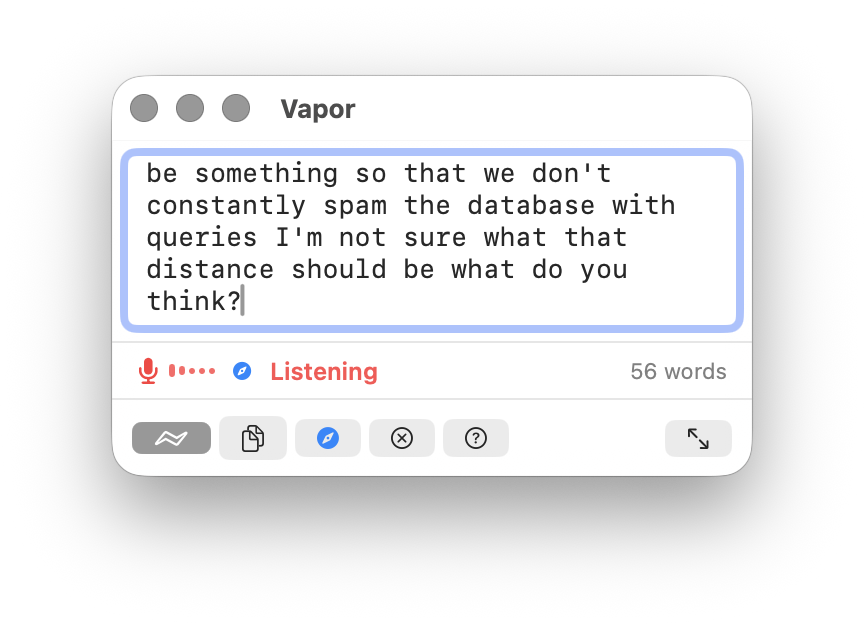
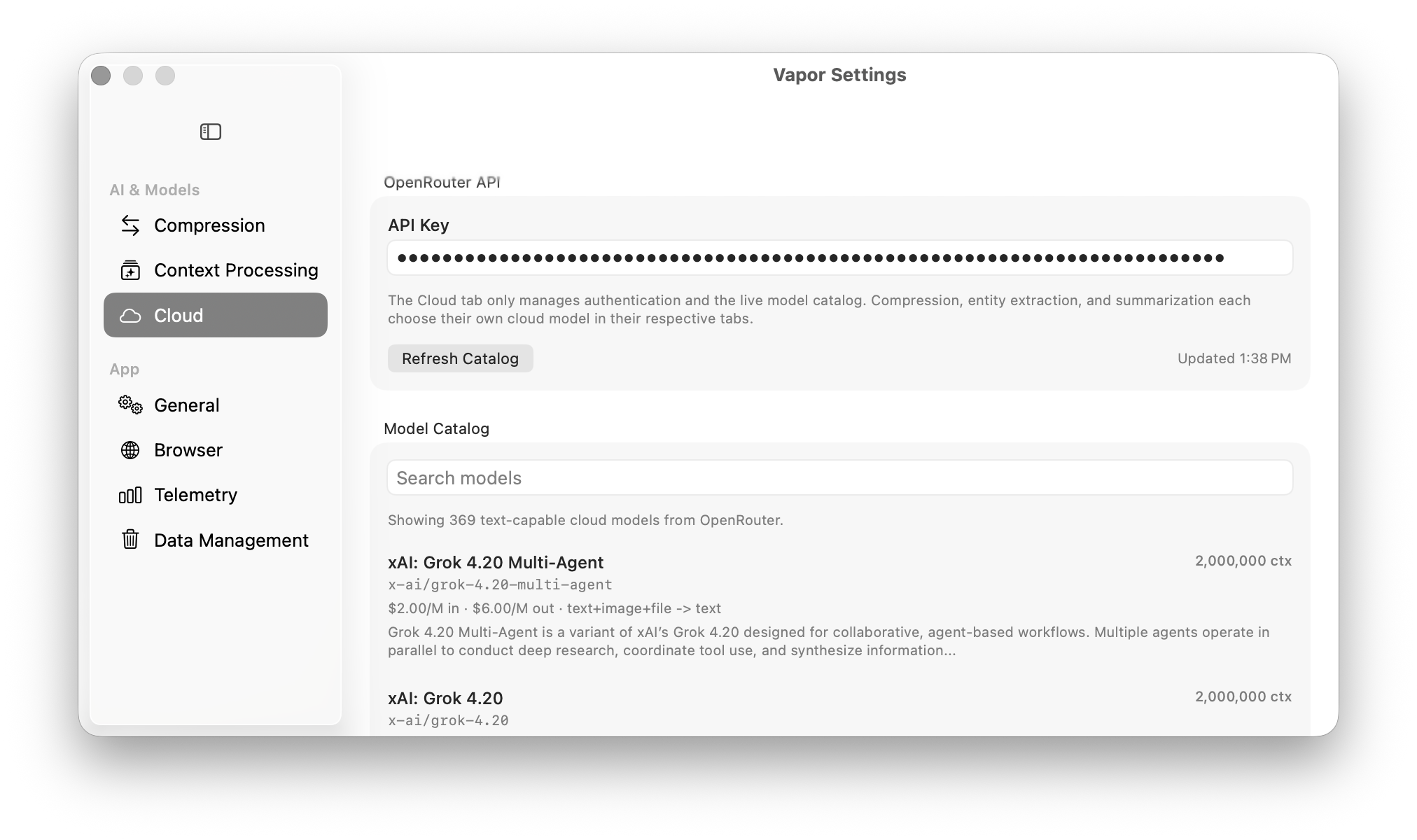
40–60% token reduction. Strip filler, fuse concepts, preserve meaning. Choose Local LLM (free, on-device) or OpenRouter (cloud).
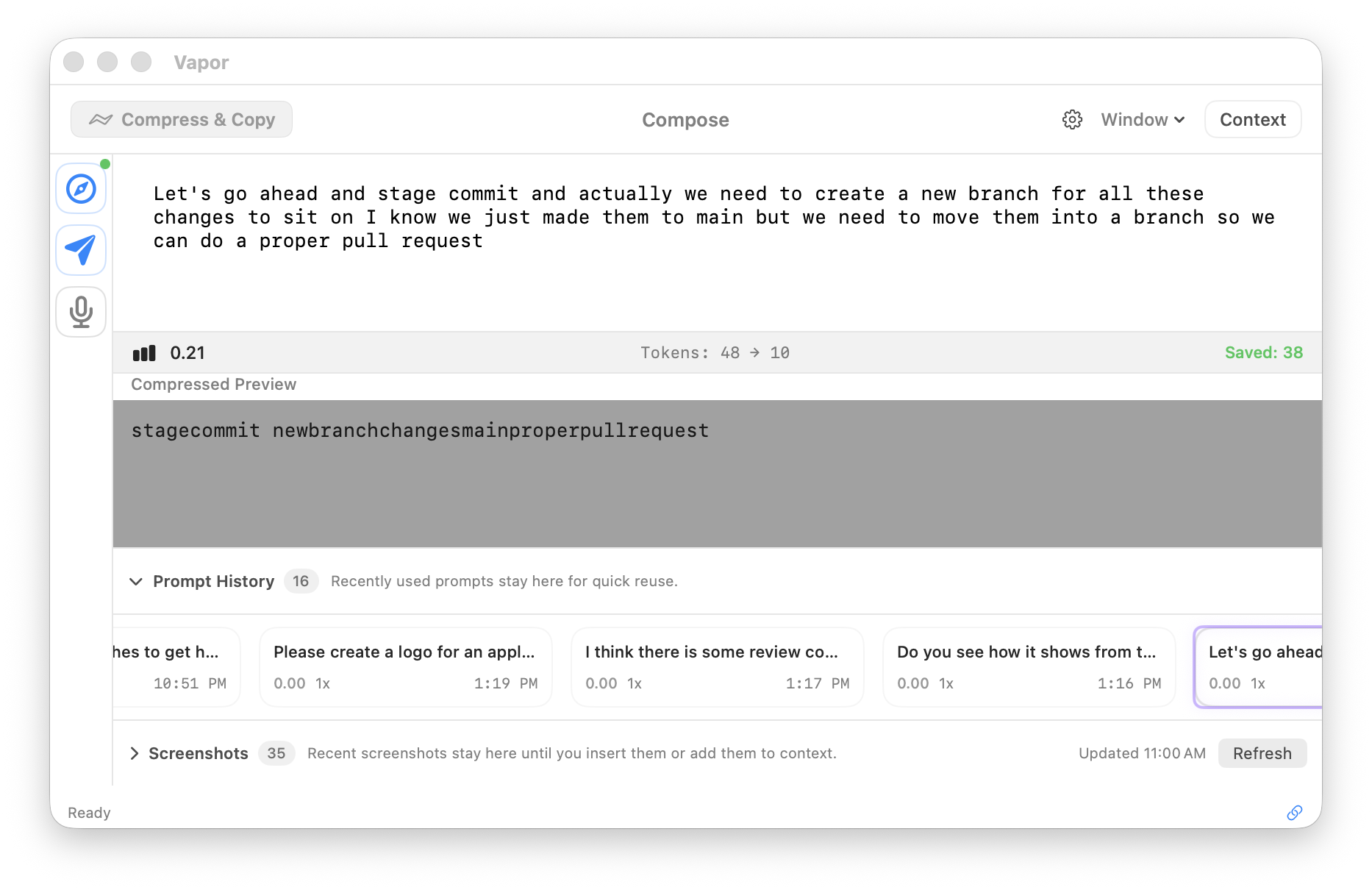
Send compressed prompts directly into ChatGPT, Claude, Gemini, Grok, Perplexity — no copy-paste needed.
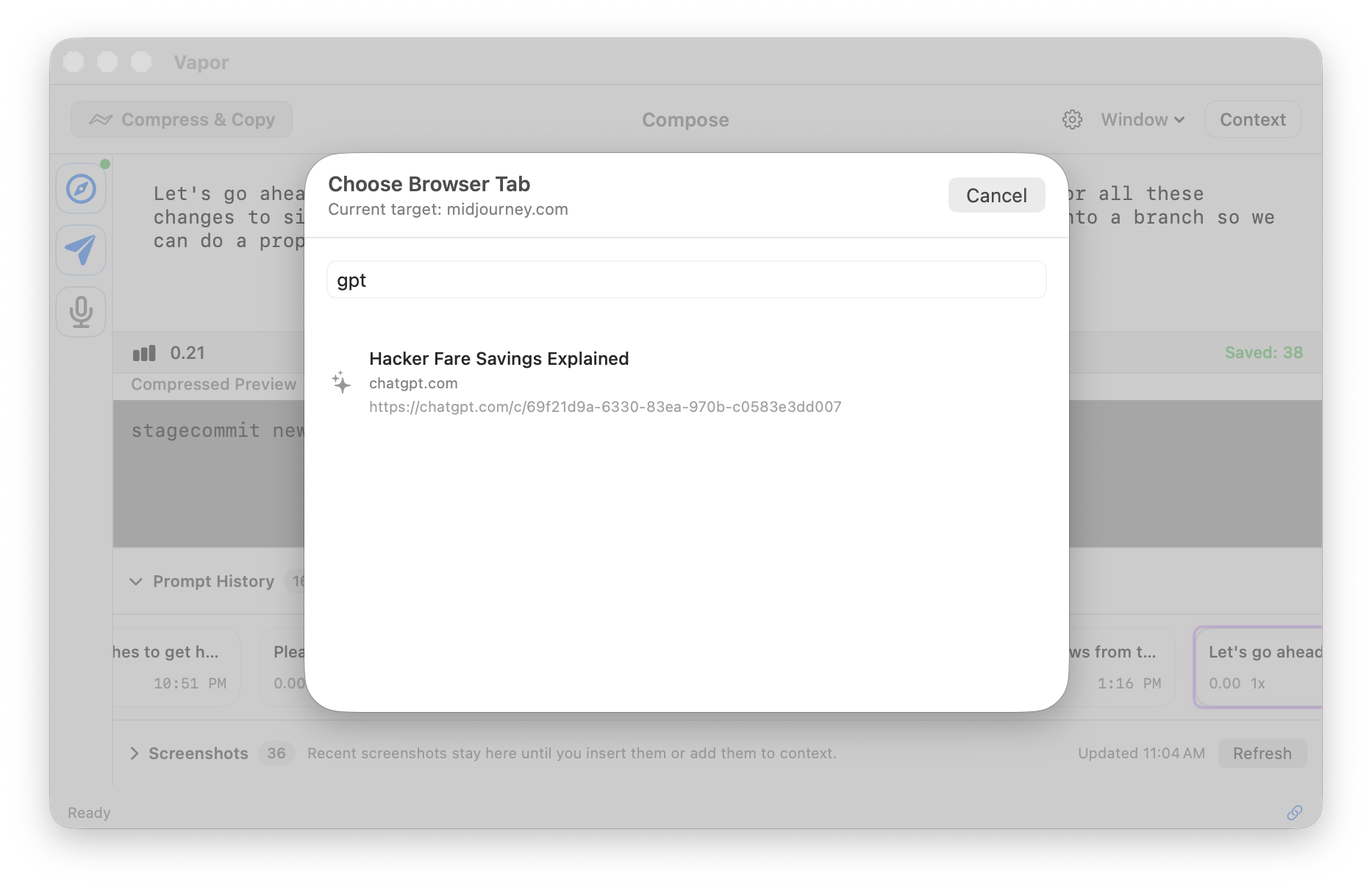
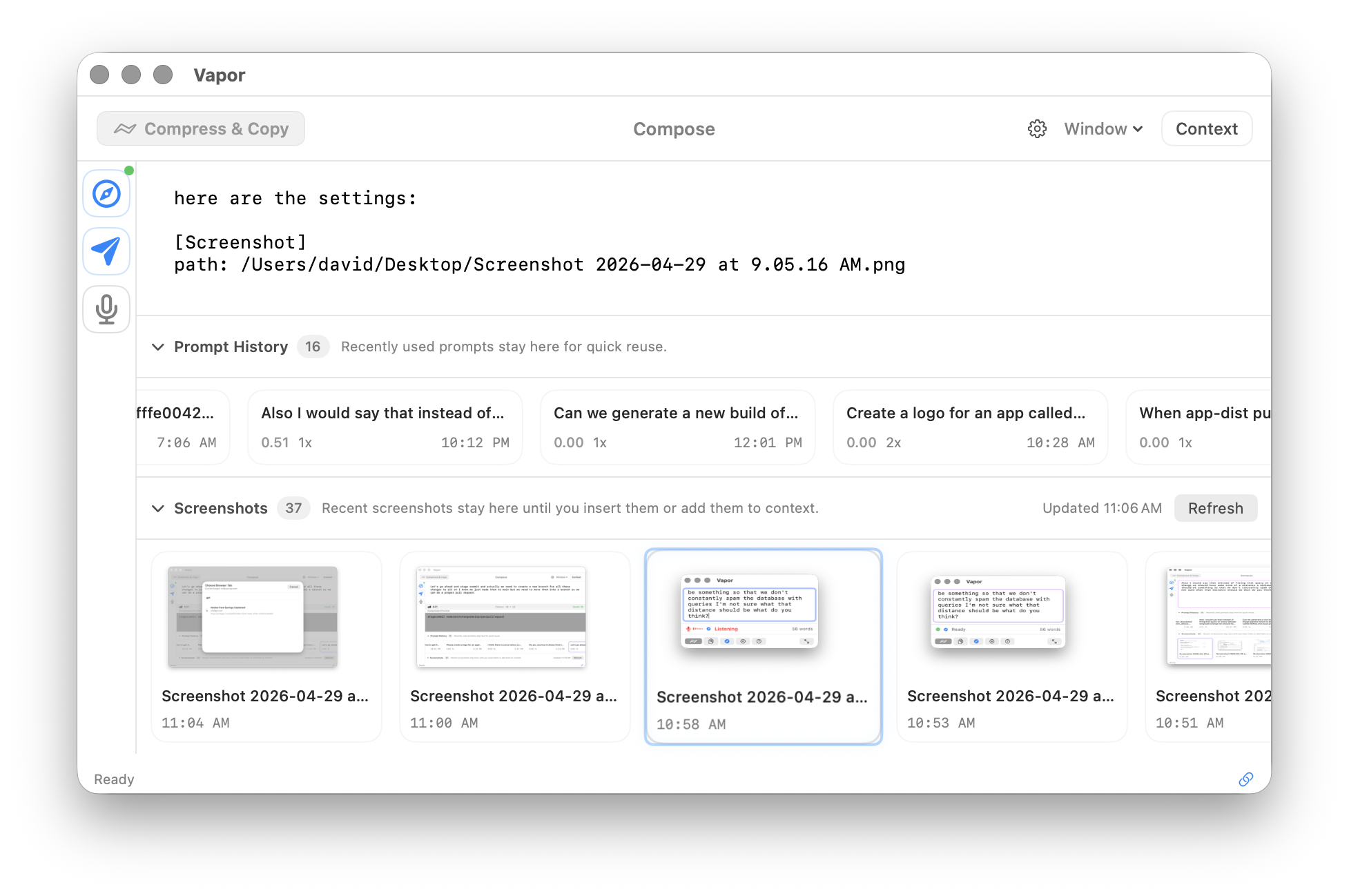
Auto-detects screenshots on your Desktop. Add them to context with one keypress. Vapor sees what you see.
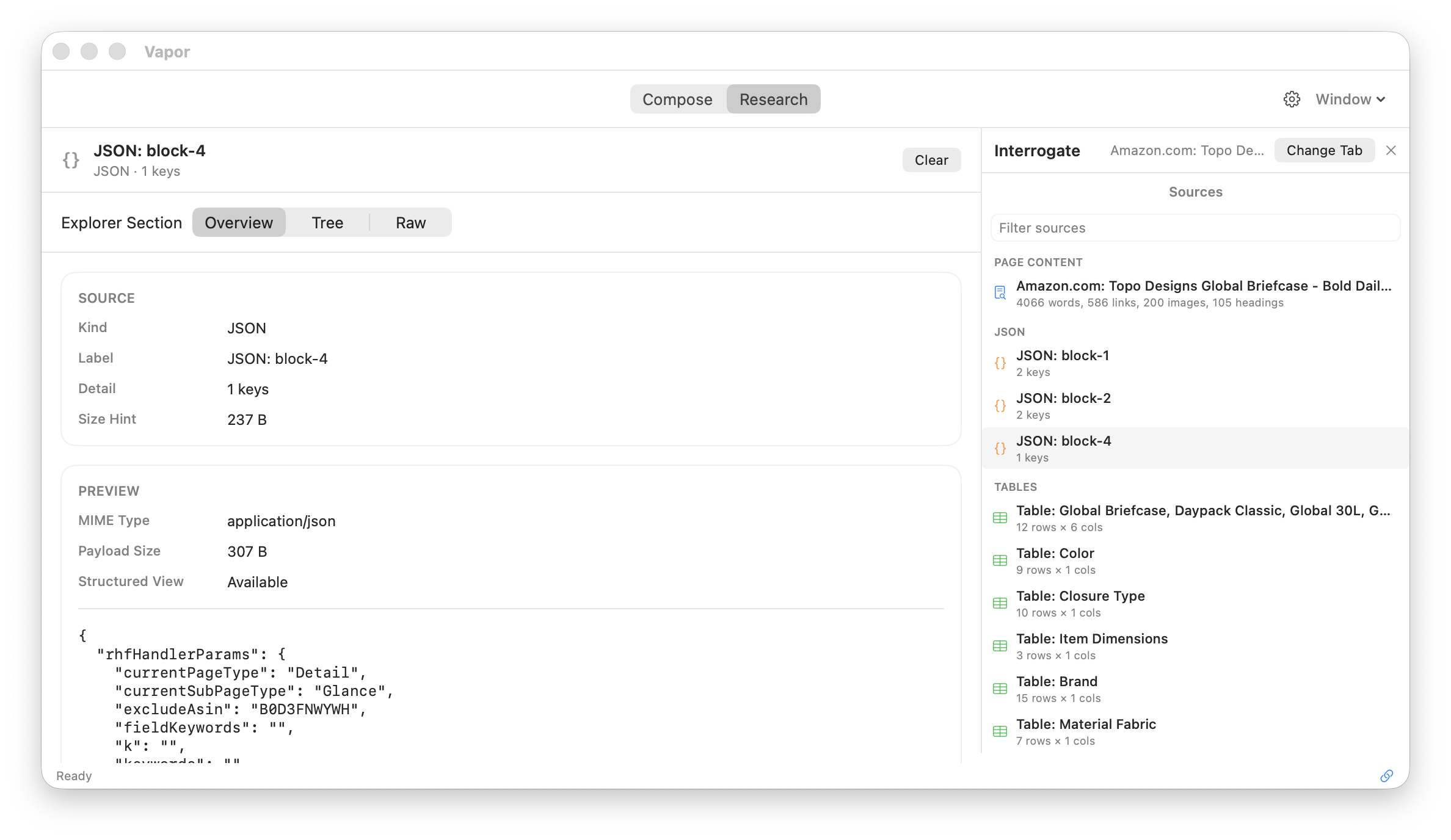
Scan live browser tabs for structured data — tables, JSON, XHR feeds, articles. Capture it all into context.
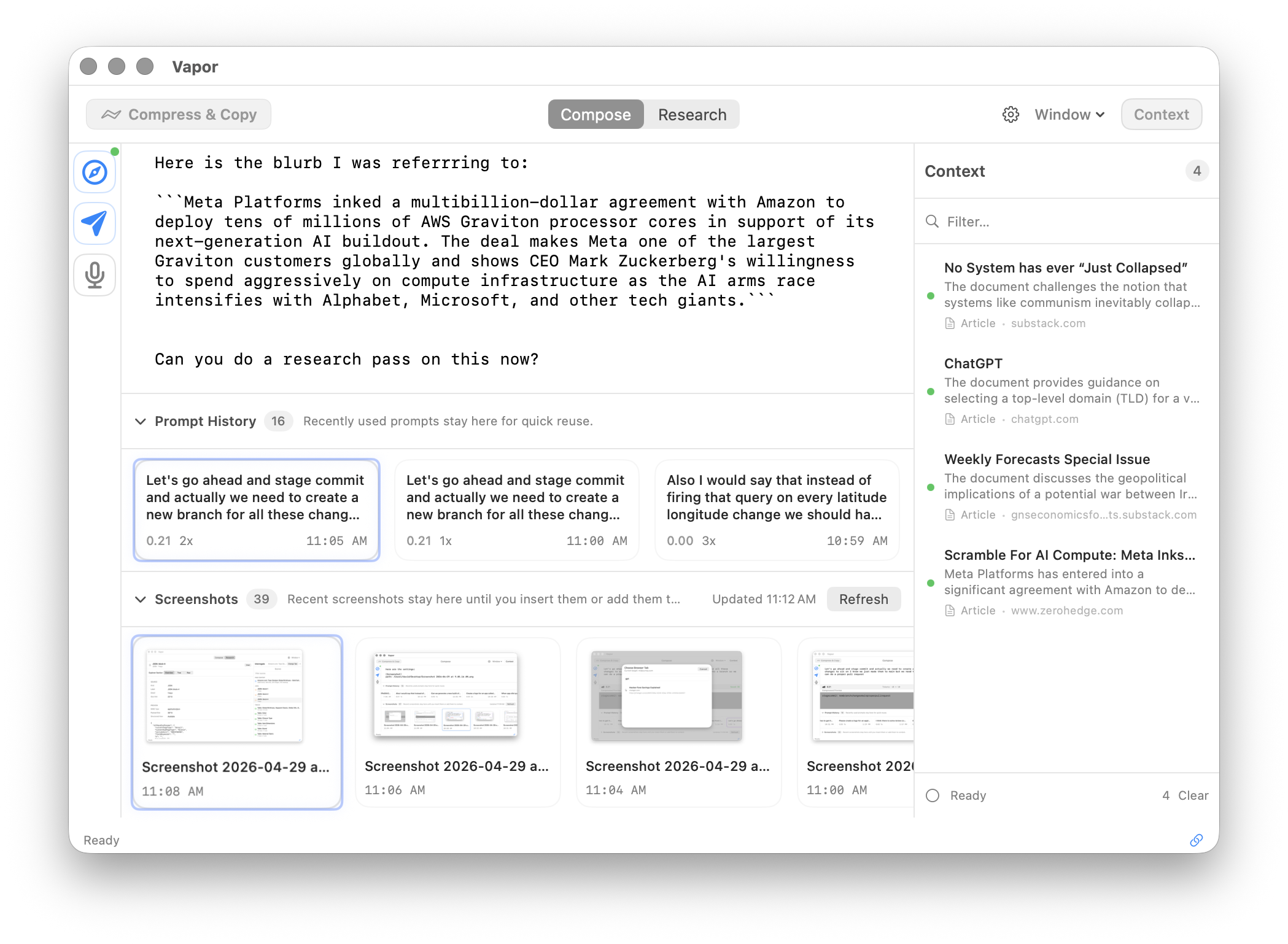
Captured pages, articles, and research — all in one sidebar. Search, filter, and insert context directly into your prompts.
Hold Fn to speak and see your words appear in real time. On Apple Silicon with supported languages, transcription runs on-device via Apple's Neural Engine. For Intel Macs or unsupported locales, audio is processed by Apple servers (the framework default). We're migrating to a fully local Whisper-based engine for guaranteed on-device processing across all configs.
Auto-detect screenshots on your Desktop, capture browser pages, and pull from your context tray. One keypress each.
Scan open browser tabs for structured data: tables, JSON, articles, XHR feeds. Vapor discovers data sources on the pages you have open and pulls them into context automatically.
Inject directly into your AI chat tab (⌘⇧P), or compress and copy to clipboard (⌘↩) for Claude CLI, Codex, opencode, or any terminal-based AI tool.
Optionally compress before sending for 40-60% token reduction.
Free. Private. On-device.
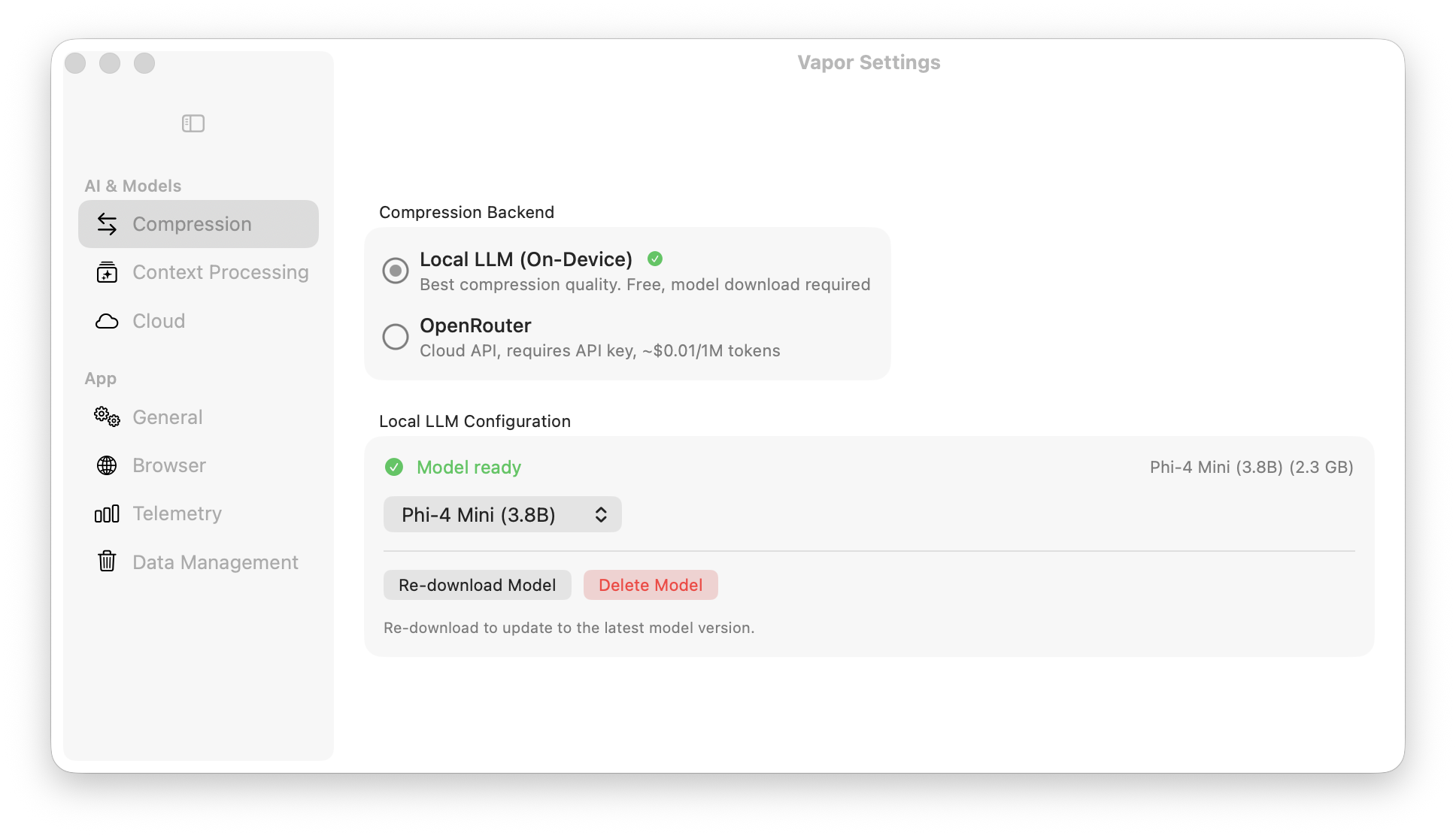
Cloud. Powerful. Configurable.
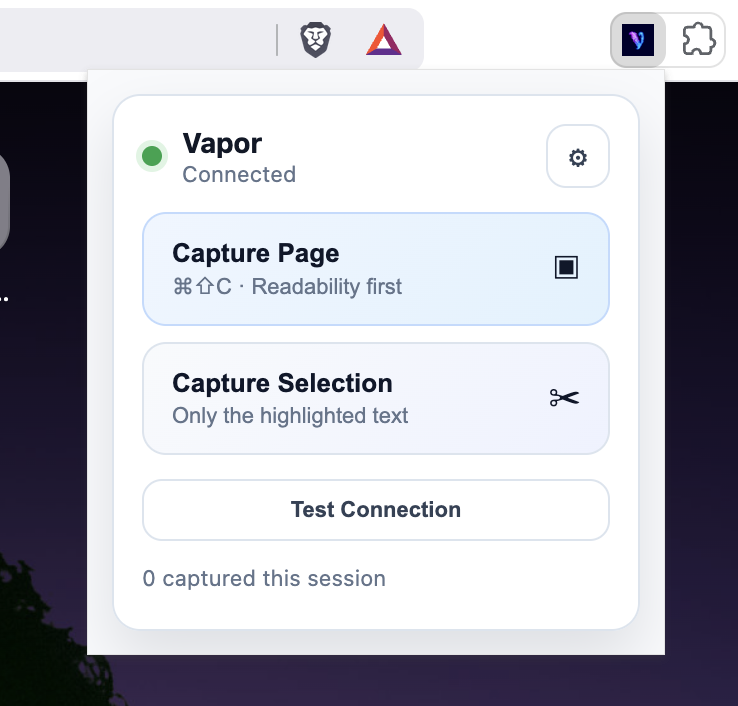
The Chrome extension links Vapor directly to your AI chat interfaces. Three steps to set up.
Load the extension — included in the DMG. Open chrome://extensions, enable Developer mode, click "Load unpacked".
Copy the auth token — open Vapor Settings → Browser → Authentication → Copy.
Paste into the extension — click the Vapor icon → Settings → Paste → Save. Connected!
Supported AI sites:
Vapor is MIT-licensed. No telemetry, no tracking, no lock-in. Fork it, modify it, ship it.